WhatsApp RSVP
Ndio, nitahudhuria
Confirmed
Karibu · Made in Tanzania
Design the card, send it on WhatsApp or SMS, collect RSVPs with one tap, then scan QR codes as guests arrive. One product for the host, the guest, and the gate.
The flow
Hosts stop guessing who is coming. Guests get a real invitation on the phone they already use.
Pick a template, add names, date, venue, and a personal QR for every guest.
Deliver the invitation by WhatsApp or SMS. No printing queue. No lost envelopes.
Guests tap Ndio or Sitahudhuria. Your dashboard updates Yes, No, and still pending.
Staff open the BlessEvents app, scan the card, and see who is in — in real time.
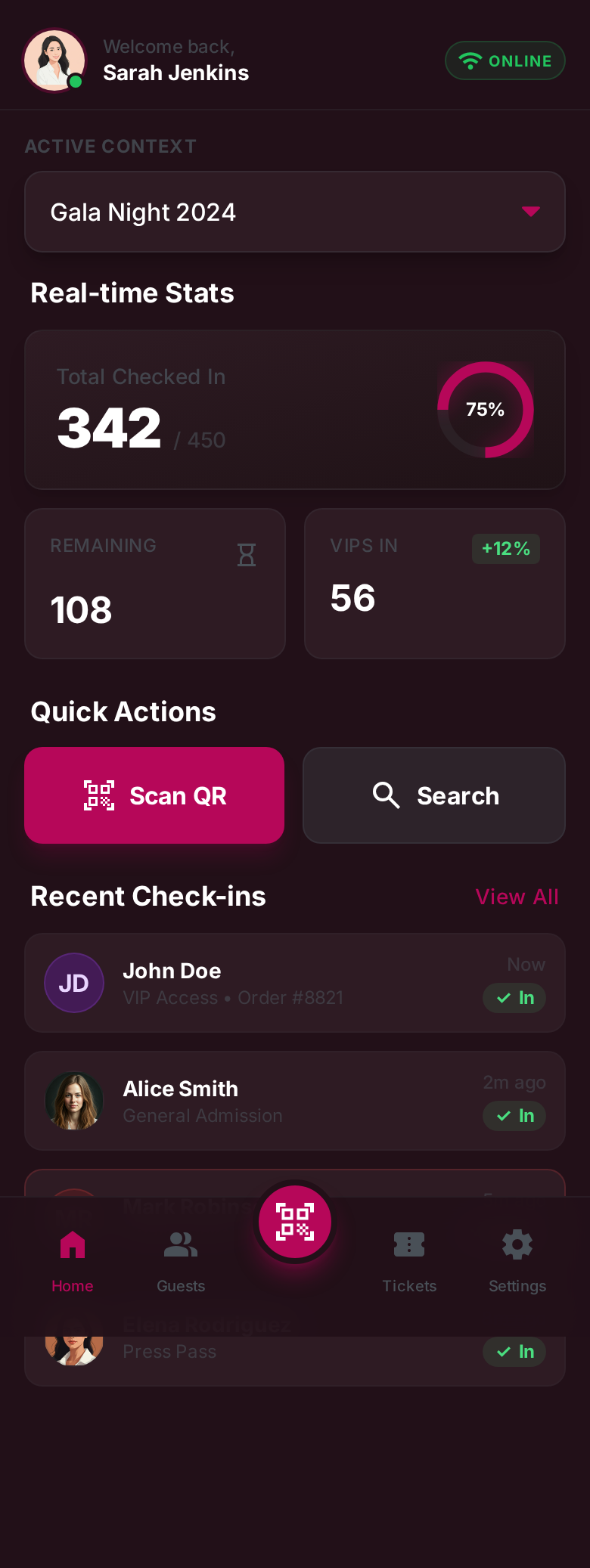
For the host
See total guests, checked in, RSVP yes, and RSVP no on one screen. Switch events, scan QR, and add a guest without leaving the phone.
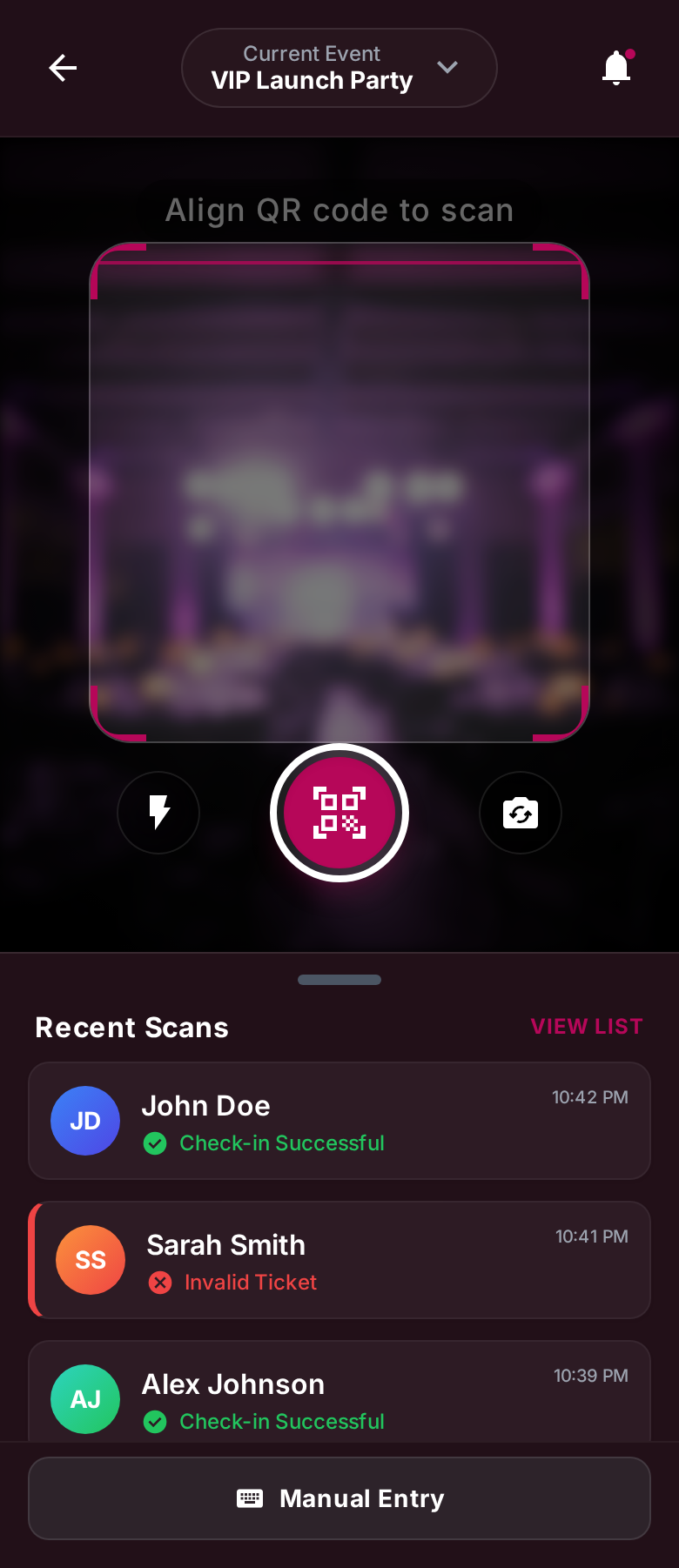
At the door
Align the code, scan, and know immediately if the invitation is valid. Manual search is there when a phone battery dies.
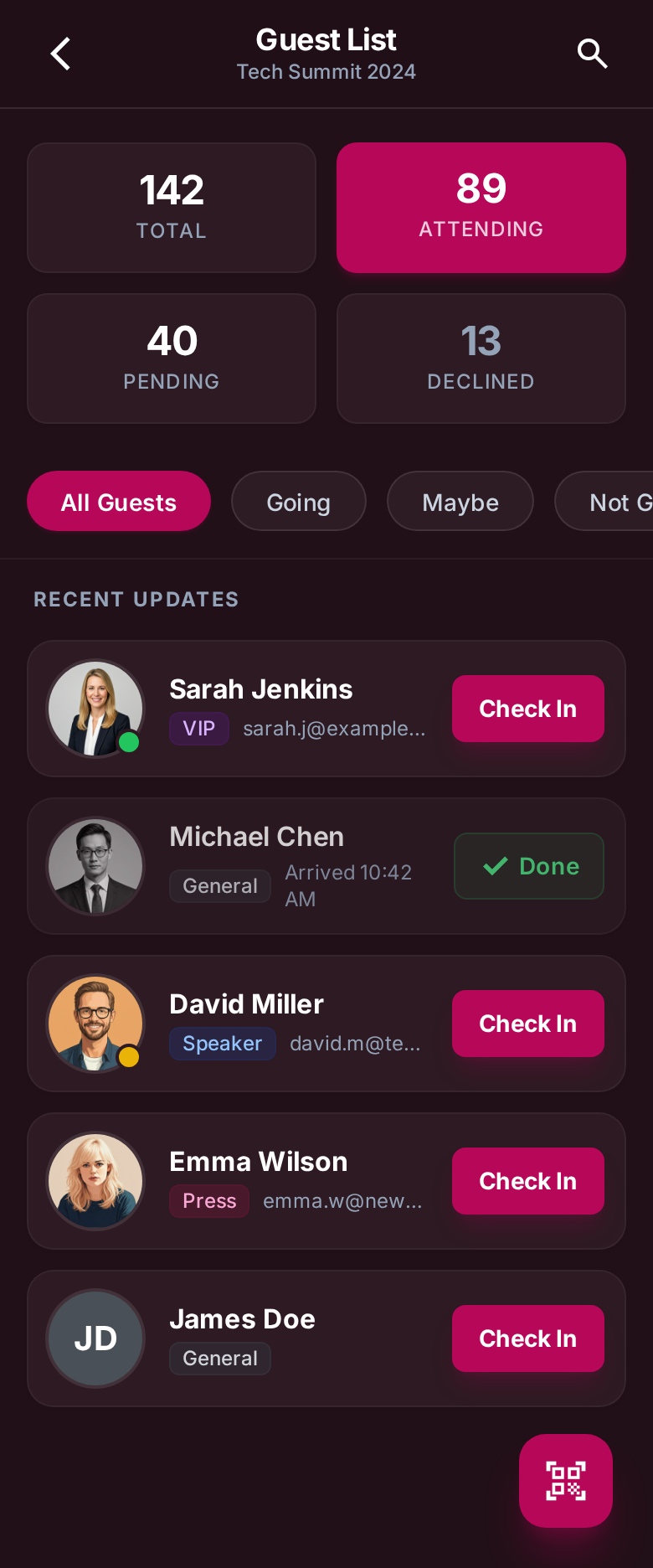
For guests
The invitation arrives on WhatsApp. Guests tap a button — Ndio, nitahudhuria or Sitahudhuria — and you see the answer on the guest list.
The product
Built around how events here actually run — family lists, plus-ones, last-minute names, and a busy gate.
Personalised digital cards with guest name, event details, and a unique QR code.
Send in bulk. Track delivery. Reach guests on the channel they will actually open.
Yes and No from WhatsApp, then live counts on the dashboard. No extra website login for guests.
The BlessEvents app turns a phone into a check-in station for ushers and security.
Allowed entries, used entries, and a list you can search when someone forgets the card.
Web tools for the planner, mobile tools for the day — same event, same numbers.
Occasions
Harusi
Long guest lists, family plus-ones, and a gate that needs to move. This is the core use.
Kitchen / send-off
Smaller, tighter lists. RSVP still matters. Cards still need to look special.
And more
Graduations, church, launches, and corporate nights — same flow, different card.
FAQ
No. Guests receive the invitation on WhatsApp or SMS. The BlessEvents app is for the host and the people at the door.
If the event has RSVP on, the WhatsApp message includes buttons such as “Ndio, nitahudhuria” and “Sitahudhuria”. The answer is stored against that guest.
Ushers can search the guest list by name and check them in manually, with the same allowed-entry rules as a QR scan.
Yes. BlessEvents is based in Dodoma, Tanzania, and works anywhere you can send WhatsApp or SMS and scan a QR code.
Message us on WhatsApp. We set up the event, the card, and the guest list with you — then you send.
Karibu sana
Tell us the event date. We will help you with the card, the numbers, and check-in on the day.